Download the Build Station
Signed and notarized by Apple, for macOS 12 or later
The Build Station comes as a DMG straight from us. You can build one project right away without a licence; for more projects you request a licence.
What you need
| macOS | 12 Monterey or later, tested on Apple Silicon |
|---|---|
| Xcode | the full app from the App Store, not just the Command Line Tools |
| Flutter | via fvm recommended, otherwise flutter from your PATH |
| CocoaPods | for iOS and macOS builds: brew install cocoapods |
| Android | Android SDK and JDK if you need Android builds |
Ready in three steps
- 1
Open the DMG
Open the downloaded file and drag the Build Station into your Applications folder.
- 2
Start and agree
On first launch a short usage notice appears. Once you agree, the app checks your toolchain and shows what is missing.
- 3
Add a project
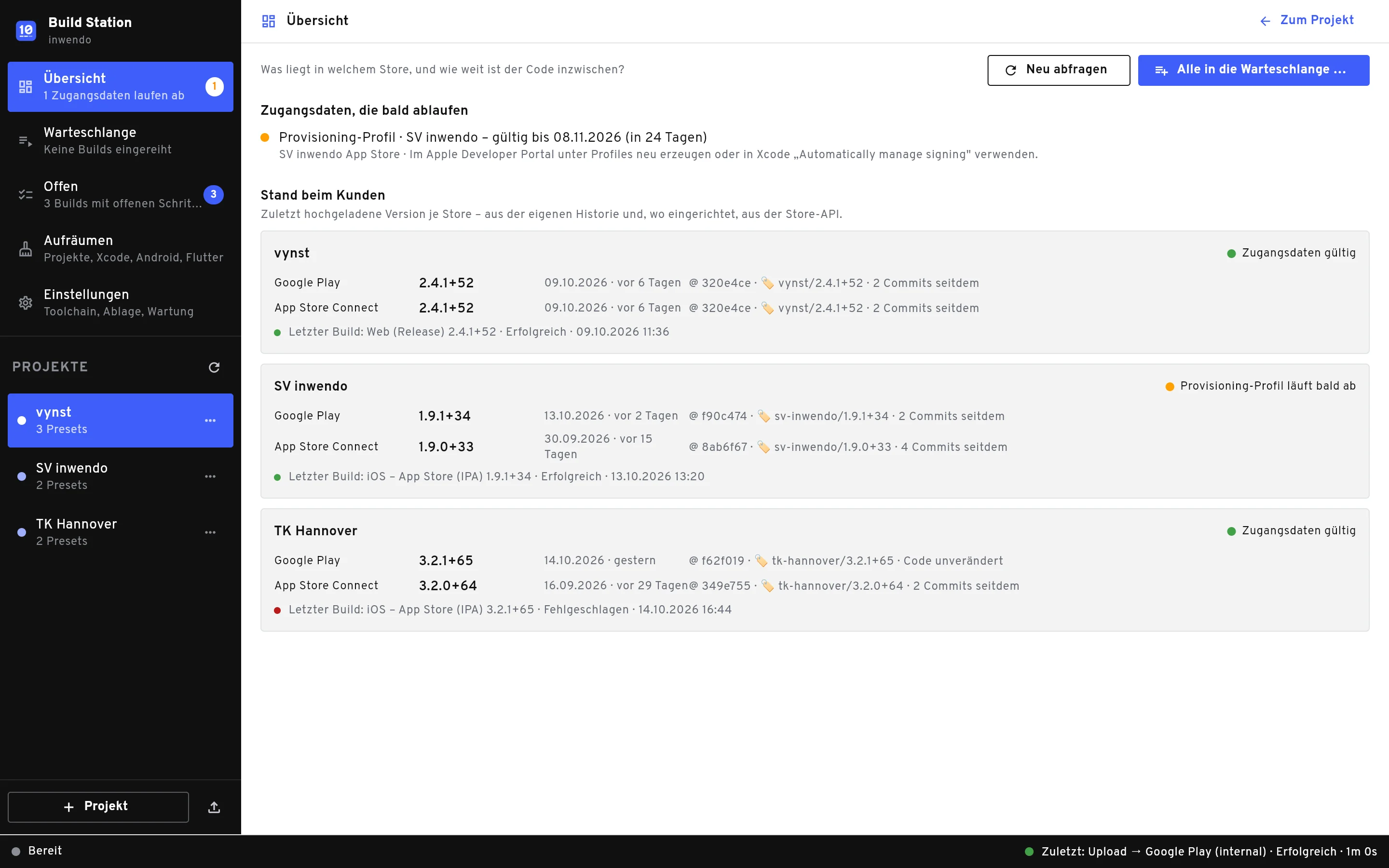
Click + Projekt or drag a Flutter folder from the Finder into the sidebar. The wizard suggests matching presets.
Updates arrive on their own
The Build Station checks for a new version once a day. To check by hand, go to Einstellungen › Über die App › Nach Updates suchen.